How To Add a Link to Your TikTok Bio (2 Ways)

Ahmed Chougle
December 10, 2025

Are you looking to direct your TikTok followers to your website or online store?
TikTok has over a billion active users, and many of them are actively looking for products and recommendations. However, TikTok's design makes it challenging to share clickable links with your audience. Unlike other platforms, you can't add links to your posts or captions.
The only place you can add a clickable link on TikTok is in your bio. In this article, I'll show you how to add a link to your TikTok bio and make it work for your business.
Why Add a Link to Your TikTok Bio?
For creators and businesses on TikTok, your bio link is the only clickable link on your entire profile. This makes it one of your most important tools for turning followers into customers.
Here's why adding a link to your TikTok bio is important:
- A clickable link in your bio sends TikTok visitors directly to your site. Without it, interested followers have no easy way to find you.
- TikTok viewers are potential customers. A link in your bio makes it simple for them to shop or explore your offerings.
- On TikTok, your bio is the only place followers can click to leave the app. This makes it incredibly valuable.
- If you're launching a product, running a sale, or promoting your newsletter, your bio link is where you can direct followers to take action.
- You can use your TikTok bio link to direct followers to your Instagram, YouTube, or other social accounts.
In fact, around 95% of US Gen Z users use TikTok, with 71% making purchases from items they discover there. This means your audience is already primed to discover and purchase from you. A link in your bio makes it easy for them to take that next step.
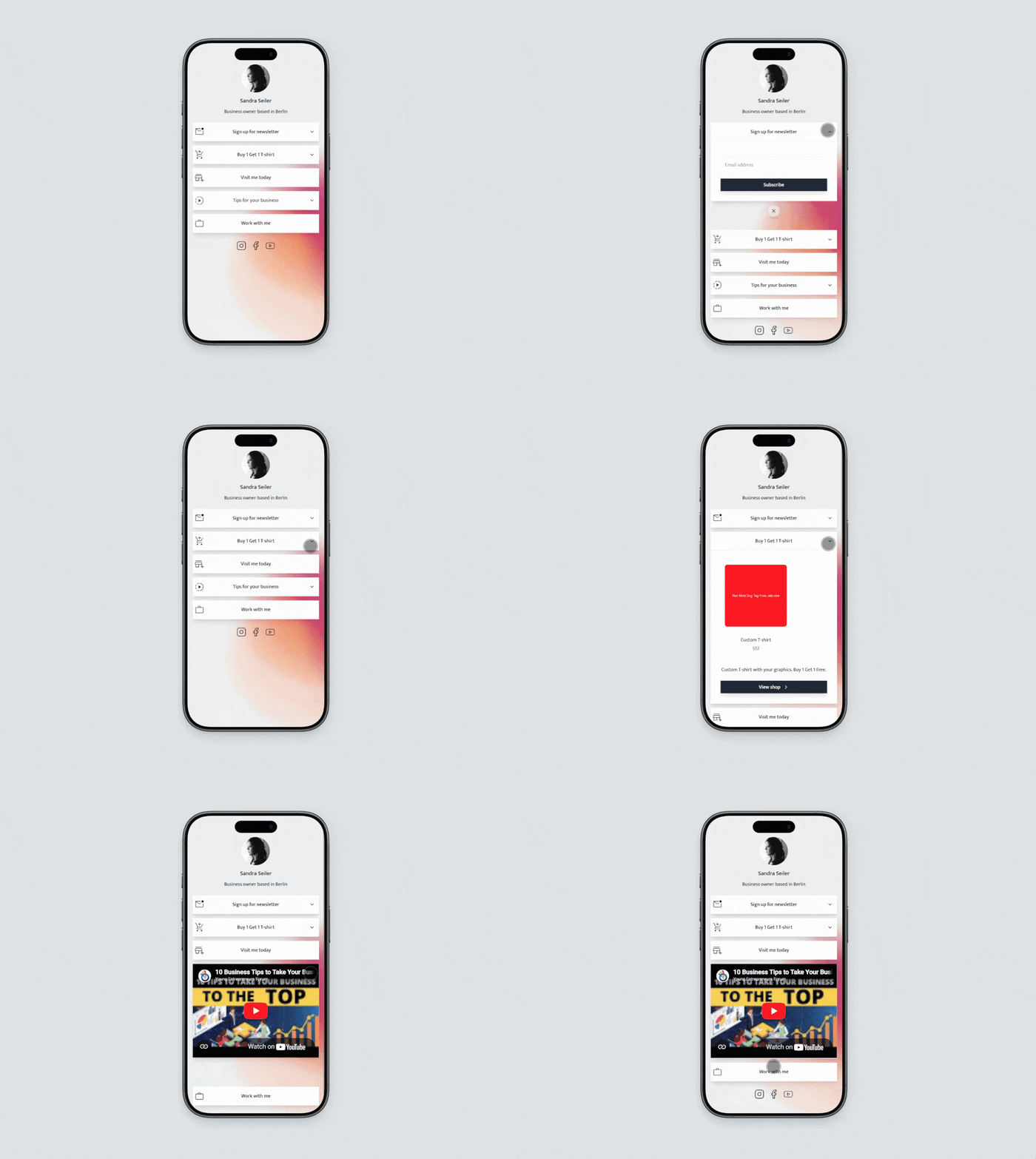
What You Need to Know Before Adding a Link To TikTok Bio
Unlike Instagram, where anyone can add a link to their bio, TikTok has specific requirements. You need either a personal account with 1,000+ followers or a business account.
If you have 1,000 followers, you can add a link right away. If you're just starting out, switch to a business account instead. To do this:
- Open TikTok and go to your profile.
- Tap the three lines in the top right.
- Select Settings and Privacy, then tap Account.
- Choose Switch to Business Account and follow the prompts.
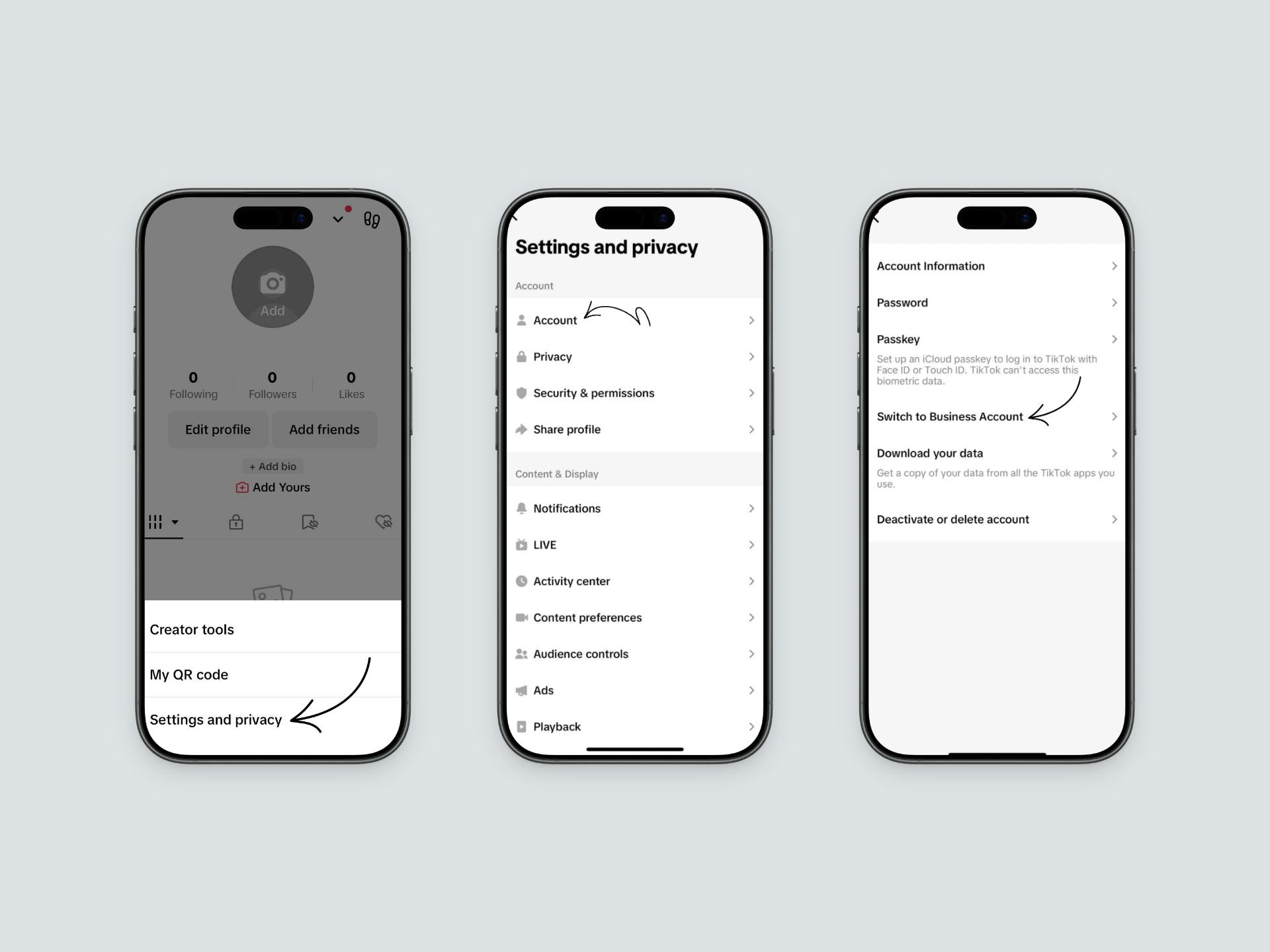
Once you have your account ready, let's look at how to actually add a link to your TikTok bio.
How To Add a Link to Your TikTok Bio
Adding a link to your TikTok bio is easier than you might think. There are two ways you can do it, and we'll walk you through both. First, we'll show you TikTok's native approach. Then, we'll share a better way that gives you more control and better results.
Method 1: Add a Link Using TikTok's Native Feature
The most direct way to add a link to your TikTok bio is through TikTok's built-in feature. This method is quick and requires no extra tools or setup.
Here's how to add your link:
- Open the TikTok app and go to your profile.
- Tap Edit Profile and scroll down to the Links section.
- Tap Add your website.
- Enter your URL into the website field and tap Save.
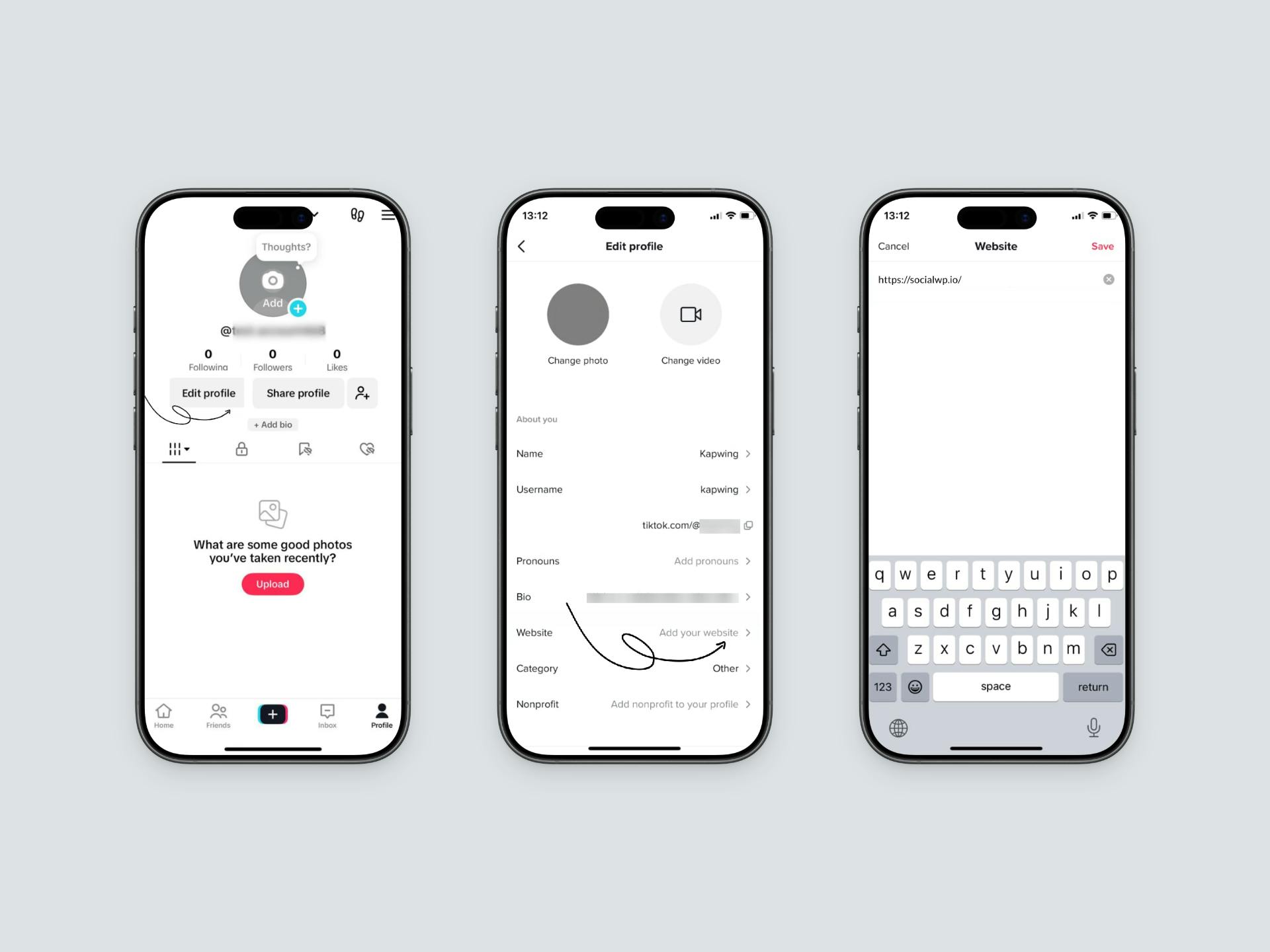
That's it. Your link will now appear in your TikTok bio, and followers can tap it to visit your website.
Limitations of Using TikTok's Native Link
While this method is simple, it has some limitations that might affect how well it works for your business:
- You can only add one link to your bio.
- The link appears as plain text with no customization.
- You have no way to track how many followers click your link.
- Followers leave TikTok when they click, interrupting their experience.
- You can't showcase multiple products or offers.
- There's no preview of where the link goes, so followers might hesitate to click.
Because of these limitations, there's a better way to share your link and drive more conversions. Let's explore it.
Method 2: Create a Custom TikTok Bio Page Using Social
If you want to maximize conversions and give your followers a better experience, a custom bio page is the solution. Instead of sending followers to a plain link, you can create a professional and engaging page that showcases your best offers and builds trust.
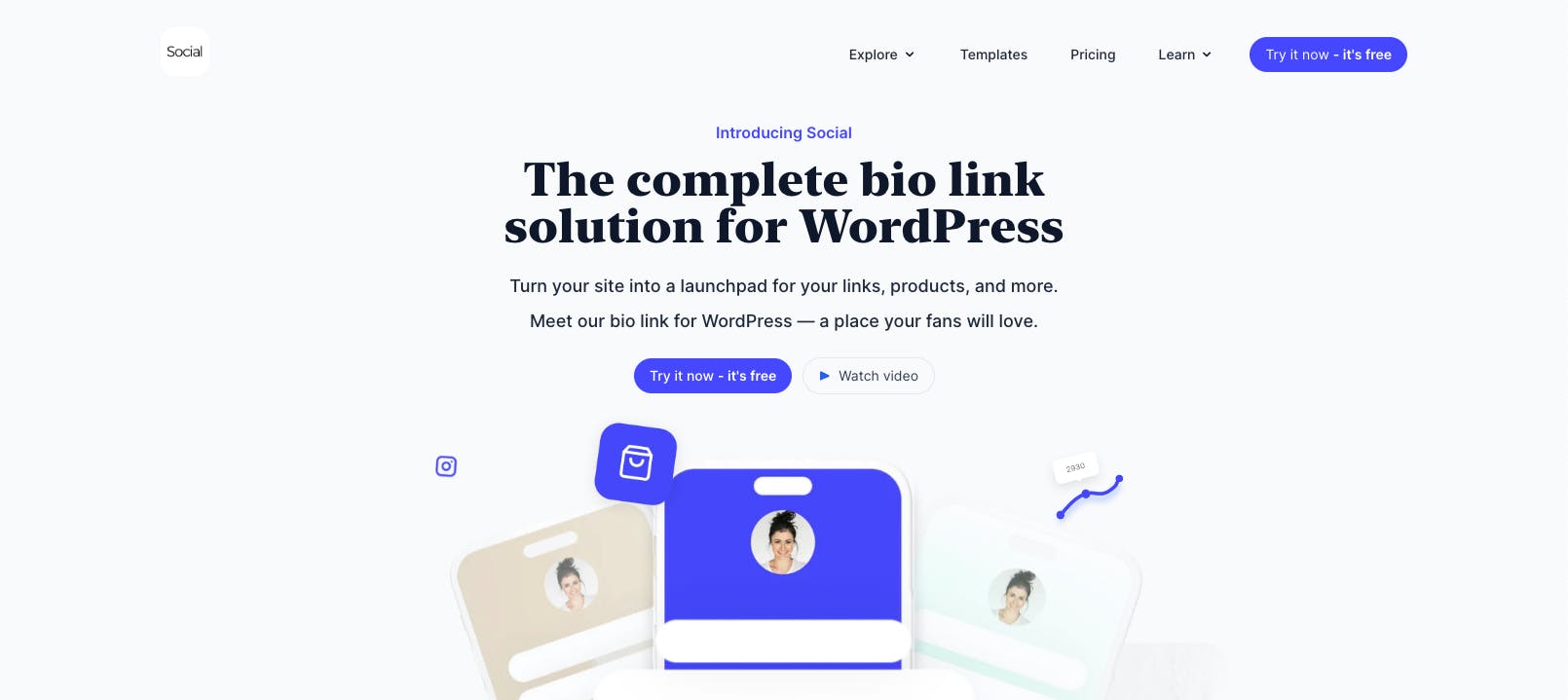
For this, we recommend using Social, a WordPress link in bio plugin that lets you create a fully customizable bio page on your own domain.
Why Choose a Custom Bio Page Over a Direct Link?
A custom bio page gives you several advantages:
- Complete control over how your page looks and feels. You can customize it to match your brand colors and design.
- Add multiple links to share your website, products, newsletter, and social accounts all in one place.
- Detailed analytics showing which links get clicked the most. This helps you understand what your audience wants.
- Page looks professional and trustworthy, which makes a better first impression than a plain text link.
- You can update your links anytime without changing your TikTok bio.
All of the above features help custom bio pages convert better than direct links. It gives your followers a polished, branded experience that encourages them to take action.
How to Set Up Your Custom TikTok Bio Page
Now that you understand the benefits, let's create your TikTok bio page using Social.
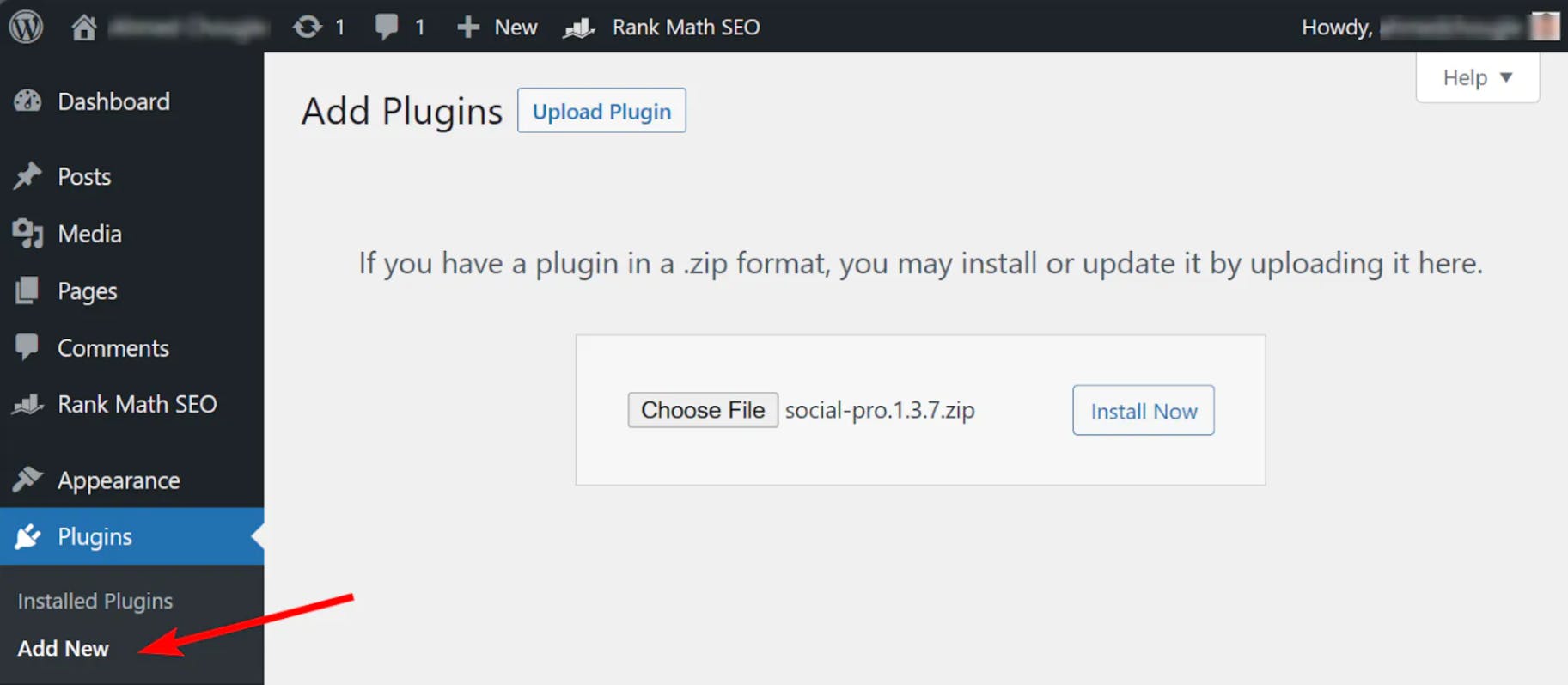
1. Install Social on Your WordPress Site
First, you'll need to install the Social plugin on your WordPress website. Get yourself a copy of the Social plugin and install it like you'd install any other WordPress plugin.
2. Choose a Professional TikTok Bio Template
After installing Social, navigate to the Social page in your WordPress dashboard and click All Templates. You'll see professionally designed templates perfect for showcasing your TikTok content and offers.
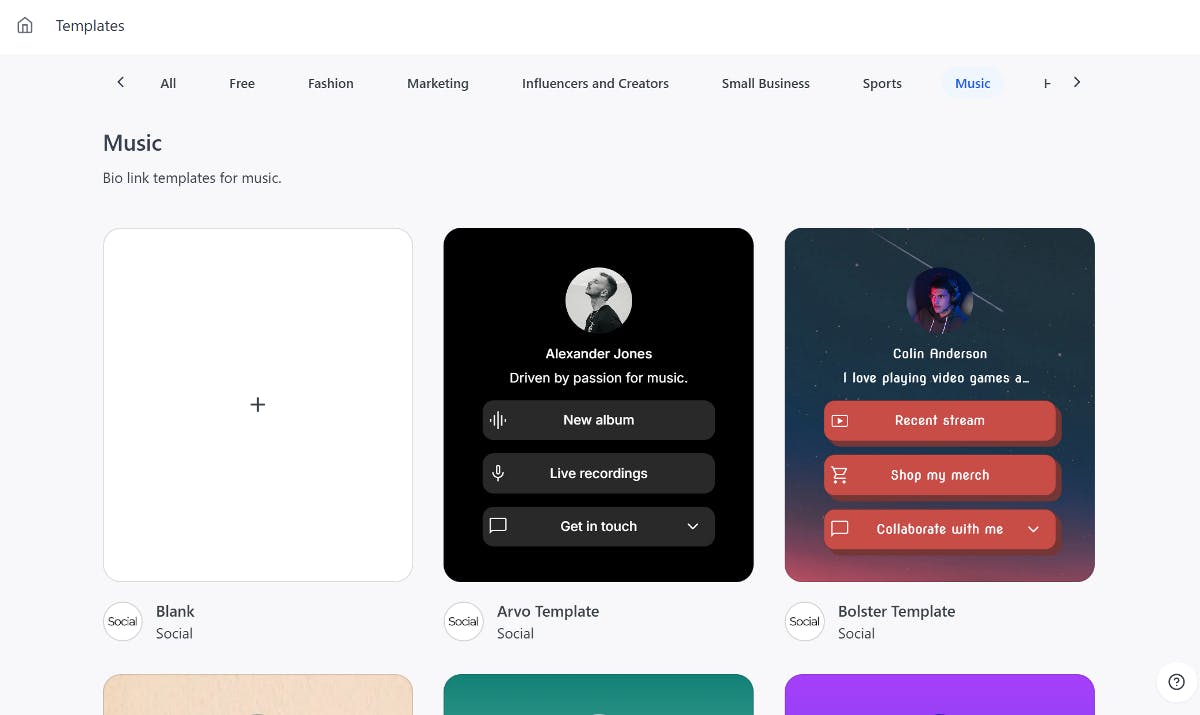
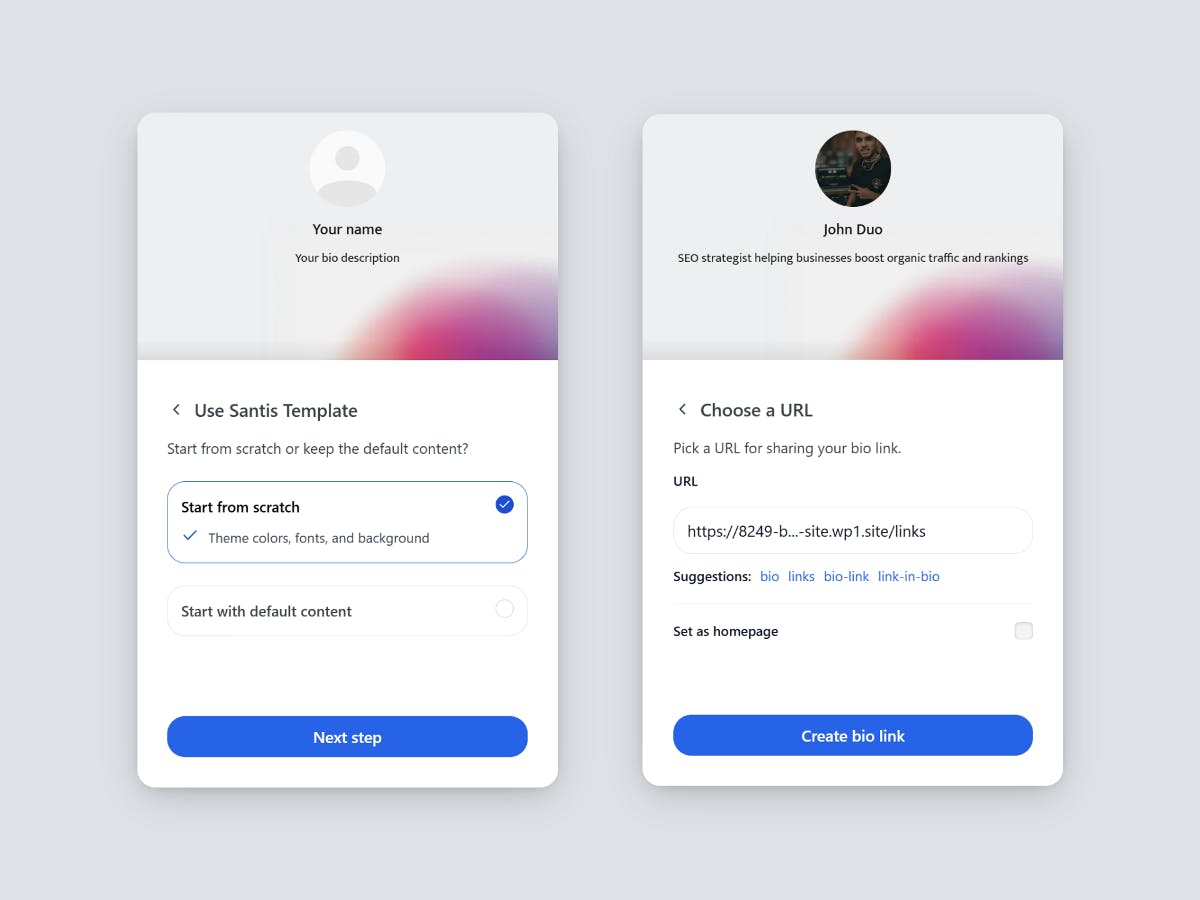
Browse through the options and find a template that matches your brand. Once you've found one you like, hover over it and click the Use template button. This will launch a step-by-step wizard to guide you through customizing your page.
3. Add Multiple Links to Your TikTok Bio
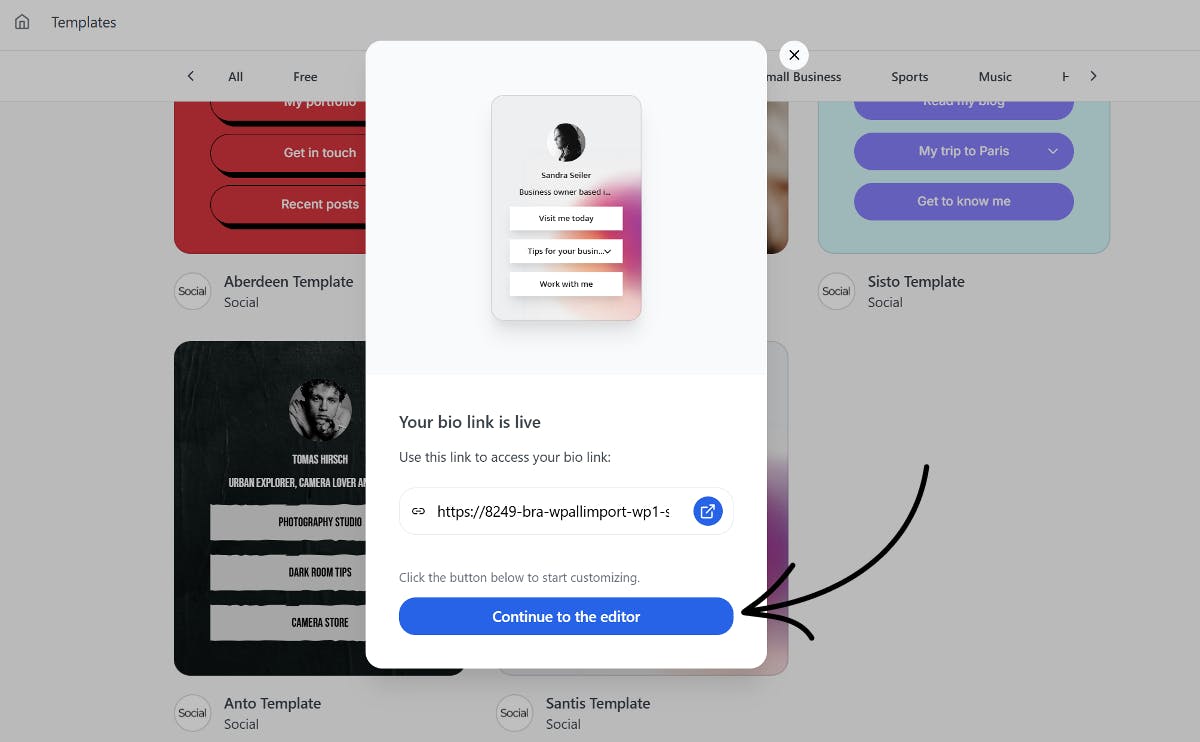
Once your page is created, click Continue to the editor to customize it. Here, you'll add your links and content.
Start by clicking the Explore button to see all available buttons and blocks. Social includes custom buttons to showcase your WooCommerce products, YouTube video, add a PDF, embed Pinterest, digital business card, contact form, newsletter signup form, donation form, Twitter/X feed, and much more.
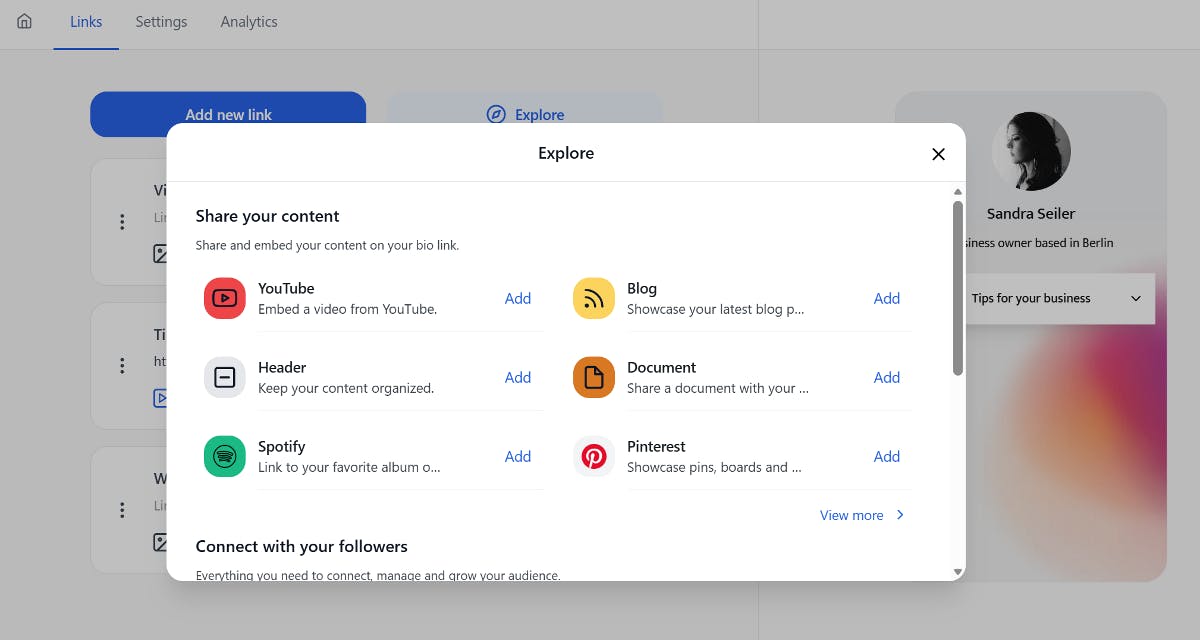
Each link becomes a clickable button on your page. You can customize each button with icons, colors, and animations to make them more engaging. This helps draw attention to your most important offers.
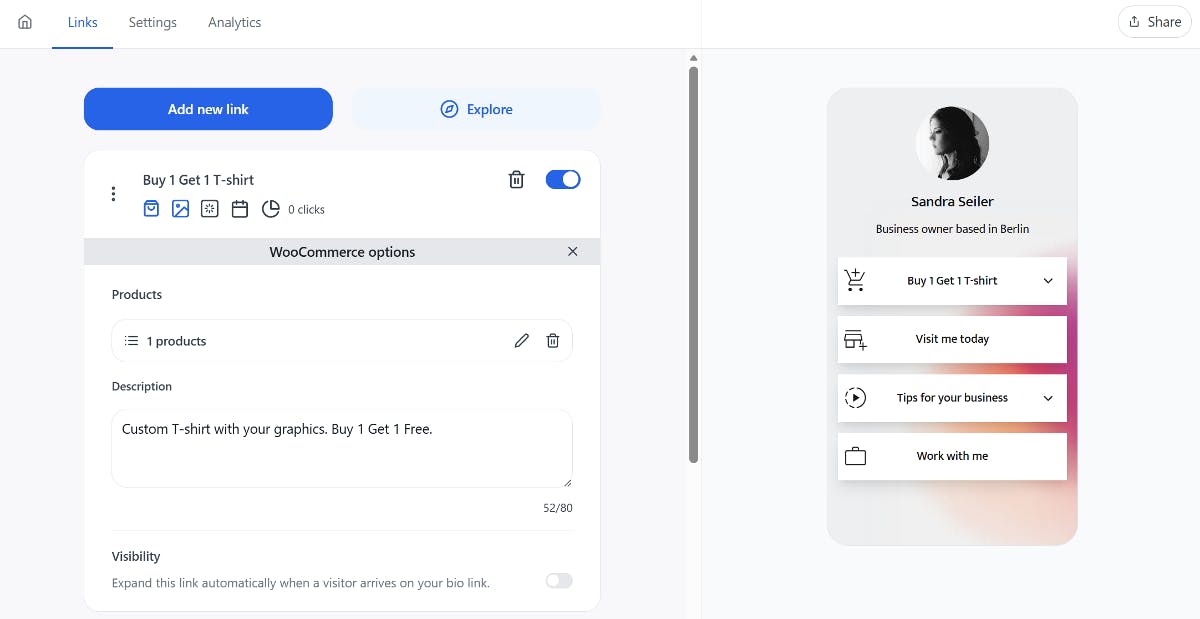
You can also add a custom link by clicking the Add new link button.
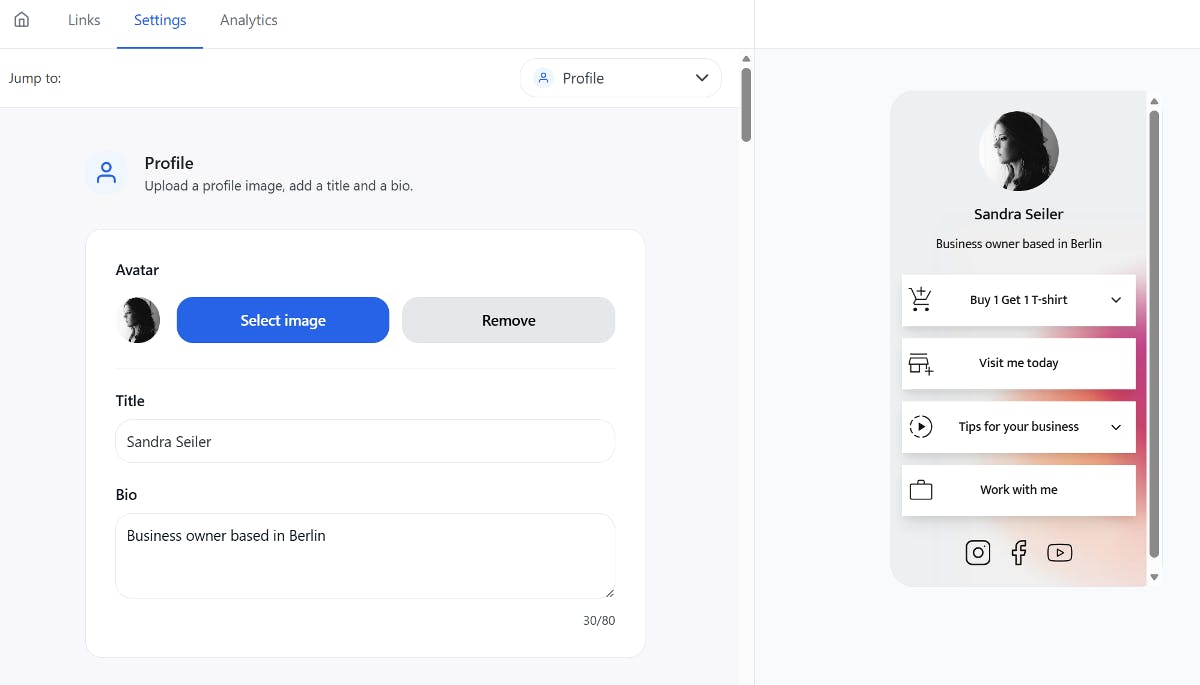
To make your bio page match your brand, you can customize its design. You can switch to the Settings tab and change colors, add your logo, adjust fonts, and more. Social gives you complete control over how your page looks.
4. Copy Bio Page Link and Add to Your TikTok Bio
Once your page is ready, click the Share button in the top right corner and copy the URL. Go to your TikTok profile, tap Edit Profile, and paste the URL into the Links section, just like you did in Method 1.
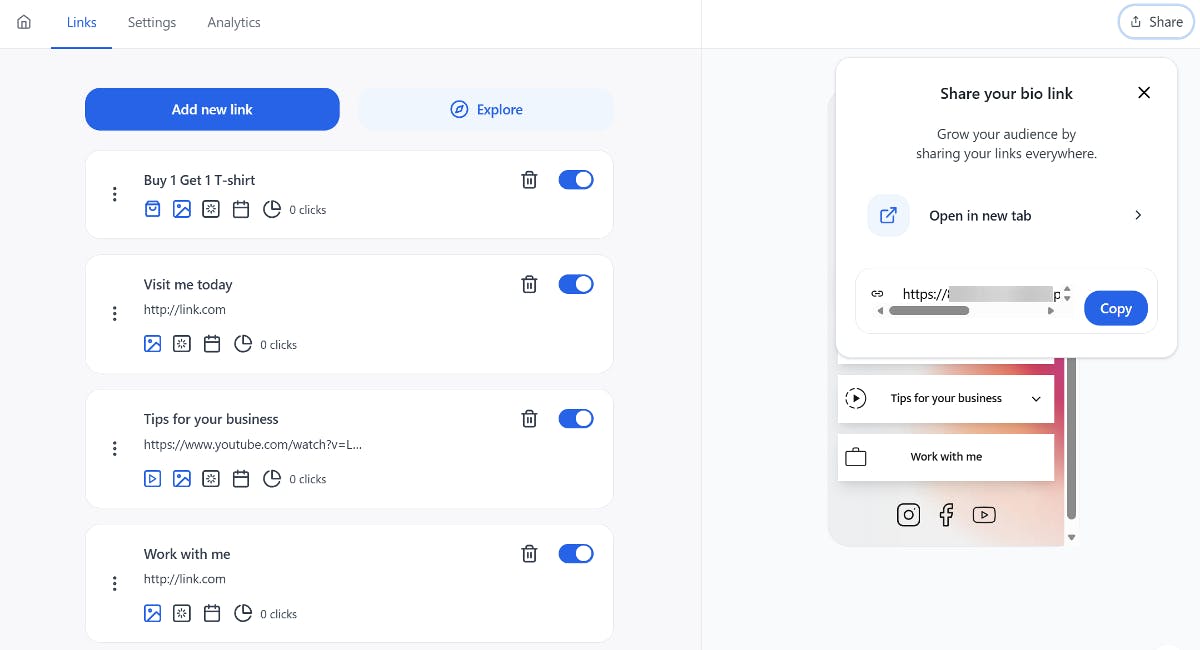
Your followers can now click the link in your TikTok bio and see a professional page with all your offers, links, and information.
Best Way to Add a Link to Your TikTok Bio
Adding a link to your TikTok bio is important to direct followers to an external website. You have two main options: TikTok's native link feature or a custom bio page.
TikTok's native feature is quick and straightforward. It works well if you just need to direct followers to one place. However, a custom bio page built with Social offers a much better experience. It gives you complete control over how you present yourself, lets you showcase multiple links, and provides analytics to track what works.
Ready to create your custom bio page? Download and install the Social plugin today.
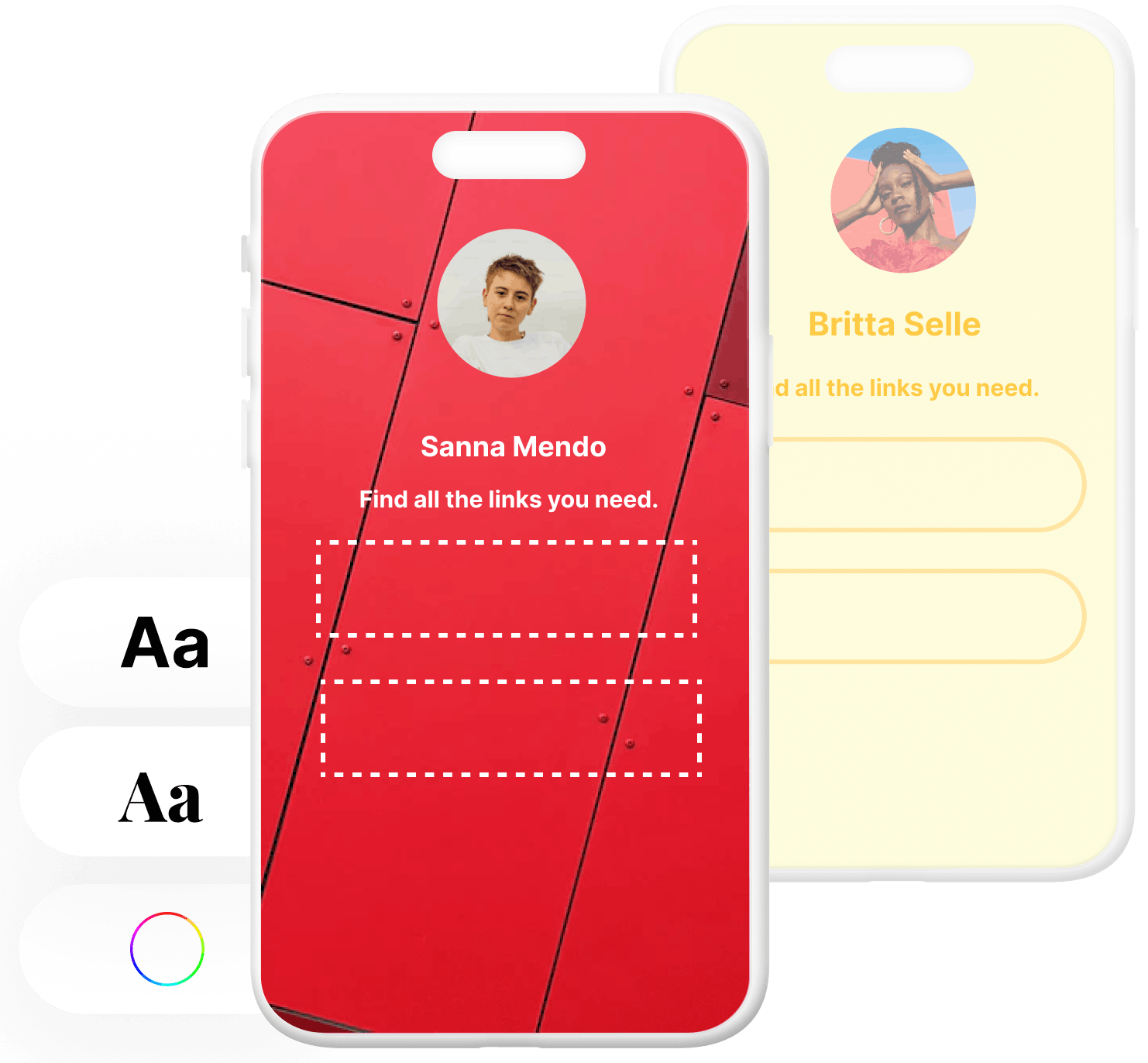
Level up your WordPress website with Social
Start your free trial today and see how you can benefit from fastest-growing bio link solution for WordPress.
Get started for freeAhmed Chougle
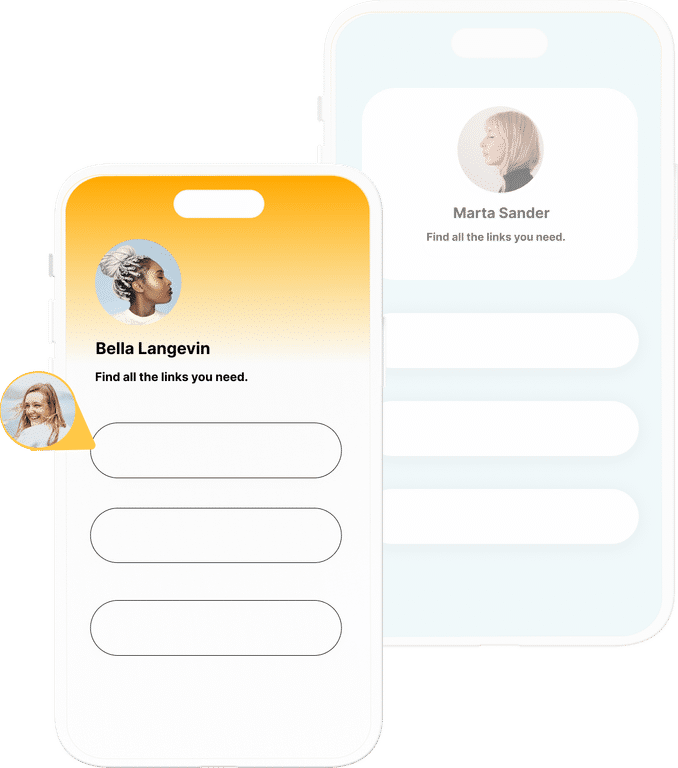
The ultimate bio link tool for WordPress
Get started today and join 1.000's of brands and creators using SocialWP to level up their social media presence.
Get startedMore articles

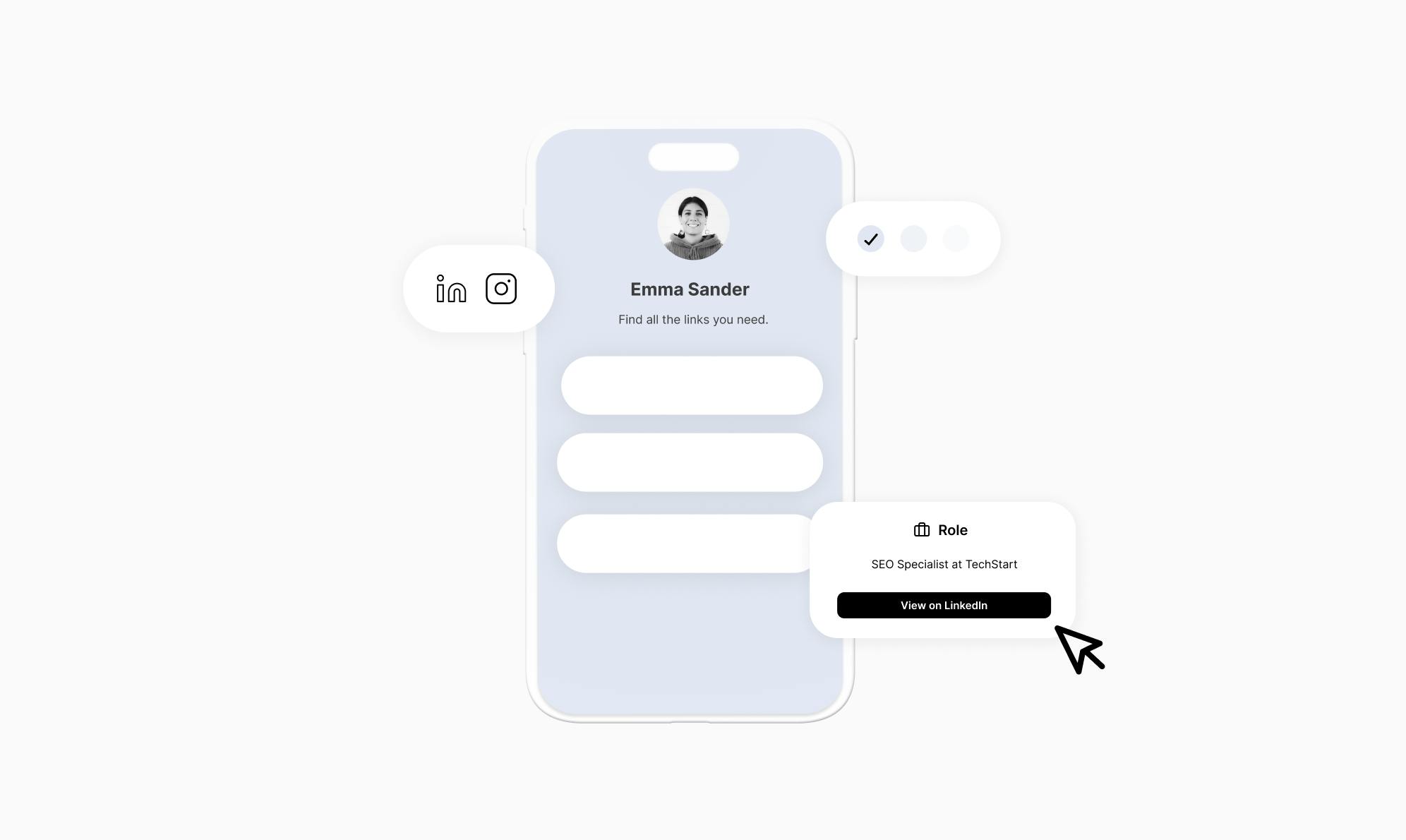
Get started
Join 1.000's of brands and creators - get started today.
Become part of the fastest growing bio link platform for WordPress — choose your plan and start today.
Try it now- it's free